Help Desk
Shared Inbox & Support Tickets
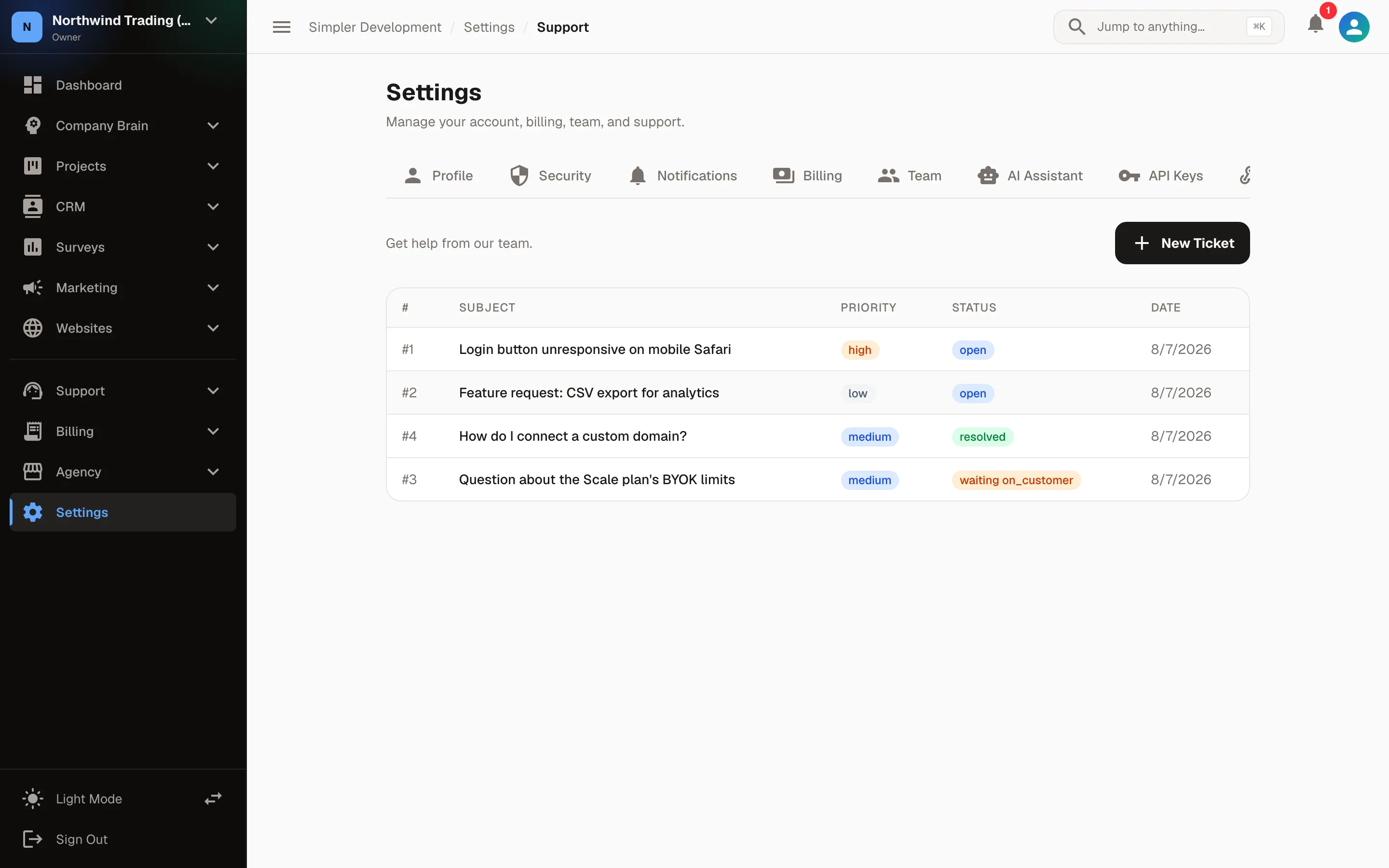
A structured support queue with SLA deadlines, staff assignment, and internal notes — so every customer request stays on track and nothing slips through the cracks.
Standard Equipment
What We Offer
Every capability this module ships with — nothing held back for a higher tier.
Why It Matters
The Outcomes You Can Expect
What changes for a crew once this module goes live.
Answer every customer from one shared queue
Never let a conversation or ticket slip through the cracks
Hit your response targets with visible SLA tracking
Keep internal discussion separate from client replies
Flight Plan
Our Process
A clear, collaborative approach from start to finish.
Open a Ticket
Create structured tickets for incoming requests and set priority, category, and SLA.
Assign & Respond
Claim a ticket, add internal notes for the team, and reply to the client — all in one place.
Track Deadlines
SLA countdown badges stay visible until first response and resolution deadlines are met.
Close & Follow Up
Mark tickets resolved and keep the conversation thread for future reference.
Explore The Fleet
Other Solutions
See how our modules work together to support your business.

Ready For Liftoff?
Let's talk about how help desk fits your mission.